


Protecting Identities
open menuclose menu

Digital Checks and Security for ID Documents with VDS Bio

Many identity documents are still issued in paper form. This is especially true for vital records such as birth, death and marriage certificates, but also for high-stakes chip-less documents such as emergency passports. Both the paper form as well as the lack of an electronic chip exposes such ID documents to a higher counterfeiting risk. This is all the more serious if the documents do not contain sophisticated physical security features such as a KINEGRAM.

The unique Visible Digital Seal with Biometric Data, or VDS Bio, is a highly secure and effective digital means that helps to mitigate this risk. It allows to reliably verify the authenticity and integrity of printed data on identity documents. The VDS Bio can be used as a printed addition to physical ID documents or as a purely digital token, and fully adheres to ICAO recommendations for machine-readable documents as laid out in ICAO Doc 9303.
The Trouble with Forged Documents and Vital Records

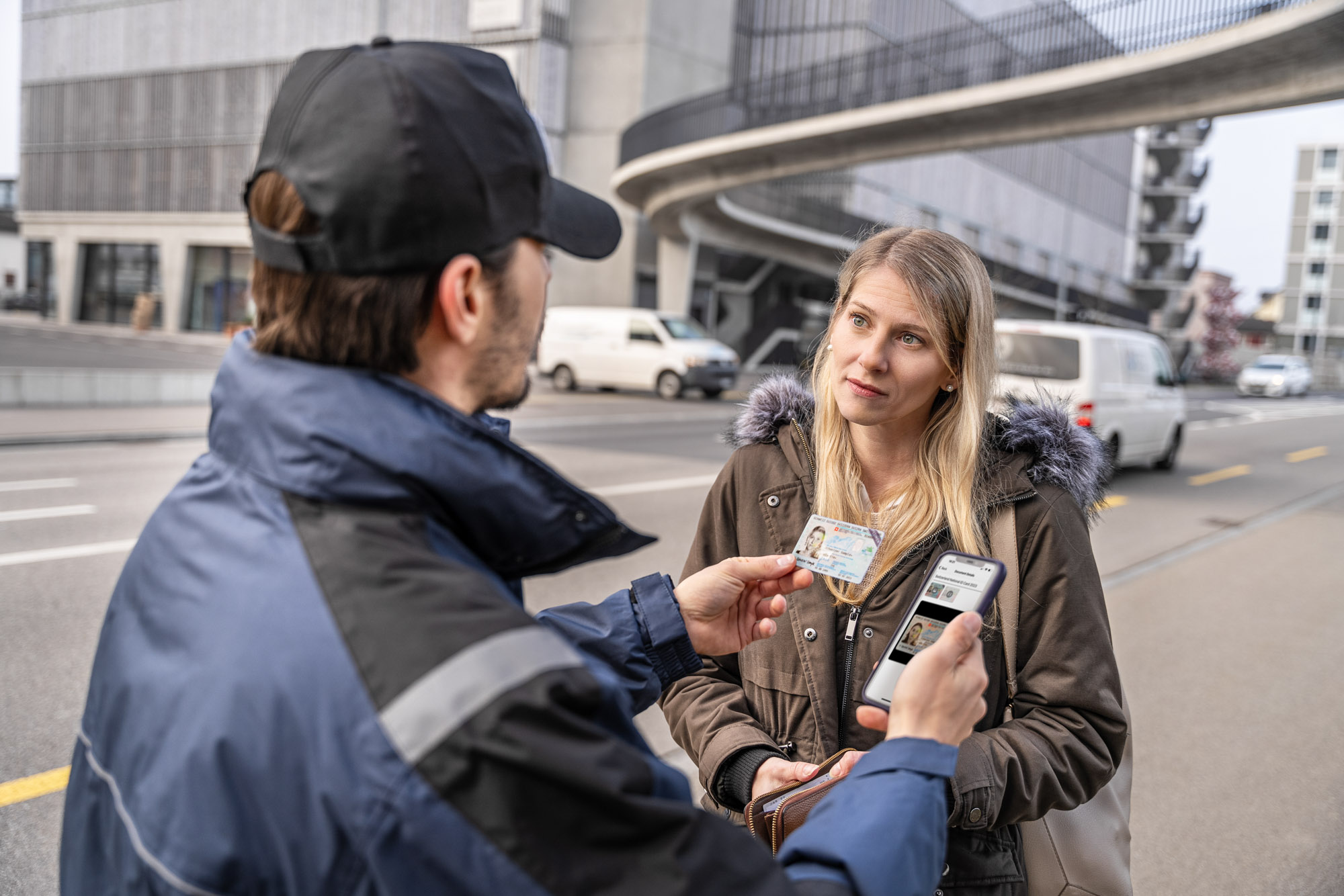
Forged documents are often at the basis of numerous criminal activities, including terrorism, money laundering, migration offenses, or fraudulent collection of welfare payments. Counterfeit documents are encountered in various situations, from registering a residence or business to obtaining a driver’s license to applying for social benefits.

Thorough examination of documents is key to detecting forgeries – but a lack of sophisticated protection makes this task extremely difficult. Unfortunately, it happens more often than not that paper-based documents such as visas, as well as breeder documents and vital records such as birth certificates, death records or marriage certificates, lack advanced physical security features.

To make things worse, many persons that regularly need to verify identity documents – for example in municipalities or local immigration authorities – neither have an in-depth know-how of how to verify documents, nor advanced inspection devices at their disposal.

As one possible means of alleviating these risks, the International Civil Aviation Organization (ICAO) recommends the use of Visible Digital Seals (VDS) as a secure and globally interoperable way to protect and verify identity credentials.

The Solution: Secure Breeder Documents and Identity Credentials with VDS Bio

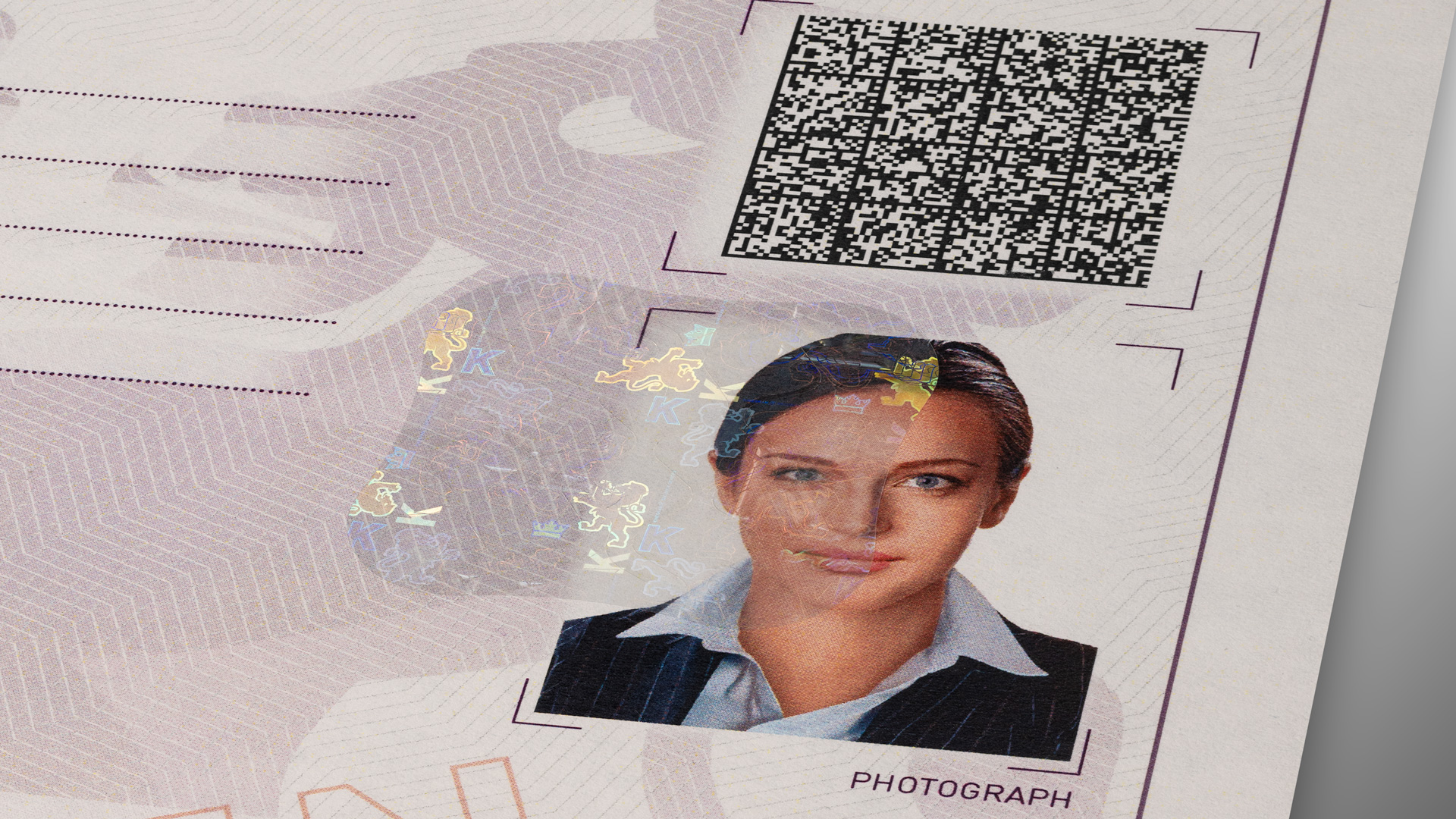
OVD Kinegram’s Visible Digital Seal with Biometric Data complements the ICAO-recommended VDS technology with biometric facial landmarks. The resulting VDS Bio is a highly secure barcode solution that combines personal data and biometrics into a single, easily issued token that offers both robust protection for ID documents, as well as the possibility to easily and reliably verify them.

Any identity credential that is not equipped with highly sophisticated security elements and / or electronic features such as the NFC chips in machine-readable electronic passports and ID cards, benefits from the addition of a VDS Bio code as an effective digital means of security and verification.

How does the VDS Bio work?

At their basis, VDS elements are digitally signed and cryptographically encoded 2D barcodes, mostly in the form of a Data Matrix code, that can be printed on identity documents during their issuance or used as fully digital identity tokens. They enable both on- and offline verification of who issued a document and whether its data were altered. As such, they form an inexpensive and highly secure means of verification.

The VDS Bio combines basic VDS elements with biometric facial landmarks of the document holder. This adds extra security and practicality to the VDS concept and provides an interoperable added digital functionality and trust layer. While highly cost-efficient, it is virtually impossible to counterfeit.

A VDS Bio can add standardized online and offline verifiability to various types of identity credentials and breeder documents such as a

  • visa
  • arrival attestation
  • social security card
  • residence permit
  • birth certificate
  • marriage record
  • death certificate

How is an ID document with VDS Bio issued and verified?

VDS Bio codes are printed during personalization and issuance of the document. They can be verified with any off-the-shelf reader equipment, including smartphones or scanners, as long as these are equipped with the appropriate software and have access to the public keys that correspond to the document.

The VDS Bio is simple and straightforward to integrate into any existing document issuance workflow and can be issued in four simple steps:

  1. On a dedicated VDS Bio application or website, enter the document holder’s personal data and take their photograph.
  2. The application derives a pre-defined set of facial landmarks from the holder’s photograph. These are converted into code.
  3. The application creates a secure Data Matrix code that includes the holder’s personal data and facial landmarks, and asymmetrically encrypts it with your private key.
  4. The VDS Bio can be printed onto the document together with the personalization.

A simple scan with a smartphone while using a verification app, ensures the authenticity of the VDS Bio’s signature and data, and compares the facial landmarks to a live image or a photograph of the holder. A dedicated app is provided by OVD Kinegram, but VDS Bio elements can also be verified through individual check apps or a government- or NGO-provided app, following the prior addition of the corresponding public key.

The VDS Bio makes for a highly secure and easy-to-use digital feature for document protection and authentication. It is an ideal digital add-on to elevate a document’s security, and especially suitable for rapidly issued or paper-based documents that are not equipped with an electronic chip.

Learn more about VDS Bio

Would you like to find out more about the VDS Bio solution? Our colleagues over at kinegram.digital are happy to answer your questions, or to help you explore our VDS Bio demonstrator.

Get in touch with them on this website: Visible Digital Seal With Biometric Data (VDS Bio), or for more information: